Adversary-in-the-Middle (AiTM)

“If MFA passed, why are we still compromised?”
This question is becoming increasingly common in modern SOCs.
Adversary-in-the-Middle (AiTM) attacks are one of the most effective phishing techniques today because they don’t break authentication —
they abuse sessions.
What Is an Adversary-in-the-Middle (AiTM) Attack?
An AiTM attack is an advanced phishing technique where an attacker places themselves between the user and the legitimate login service using a phishing proxy.
The login flow looks completely normal:
- User clicks a phishing link
- User enters credentials
- MFA challenge is completed successfully
- Session cookie is issued
- Attacker steals and reuses the session token
At no point does MFA fail.
From the logs, authentication appears legitimate — but the attacker is already inside.
Why AiTM Attacks Are Hard to Detect
Traditional detections focus on:
- Failed logins
- Brute force
- Password spray
AiTM attacks generate:
- Successful logins
- MFA = Success
- No password guessing
- Normal browser traffic
The compromise happens after authentication, at the session layer.
This is why many AiTM incidents are missed.
Detecting AiTM Attacks in Microsoft Defender
AiTM detection is about context, not credentials.
Below are the key signals defenders should look for.
1. 🚩 Successful MFA with Abnormal Context
A successful MFA login should still be investigated if it comes with:
- New IP address
- New country or region
- New ASN (cloud or hosting provider)
These often indicate stolen session reuse.
2. 🚩 Impossible Travel
One of the strongest AiTM indicators.
Example pattern:
-
User logs in from Germany
-
Minutes later, logs in from another continent
-
Both logins show MFA = Success
-
This strongly suggests session hijacking.
Example KQL
SigninLogs
| summarize locations = makeset(Location) by UserPrincipalName, bin(TimeGenerated, 10m)
| where array_length(locations) > 1
3. 🚩 Token Reuse from Unknown Devices
Attackers replay stolen session cookies from:
-
Different devices
-
Different OS
-
Headless browsers
-
The browser may look legitimate, but the device identity does not.
Look for:
-
Unknown or missing device IDs
-
New device immediately after MFA success
-
Browser + OS mismatch
4. 🚩 Suspicious OAuth Activity After Login
Registering malicious OAuth apps (like OfficeHome)
Requesting high-privilege permissions
Why Defender XDR Correlation Matters
High-confidence AiTM detections come from signal correlation, not single alerts:
-
Phishing email (Defender for Office 365)
-
MFA success (Entra ID)
-
Impossible travel or token abuse (Defender for Cloud Apps)
-
Follow-up activity (Defender XDR)
Individually, these signals may look benign. Together, they tell the full story.
SOC Team Takeaway
AiTM detection isn’t about failed logins.
It’s about:
-
Session behavior
-
Device context
-
Token usage
-
OAuth abuse
If your detection logic stops at:
“MFA passed”
You’re already late.
Final Thoughts
MFA is essential — but no longer sufficient on its own.
To defend against AiTM:
Use phishing-resistant MFA:
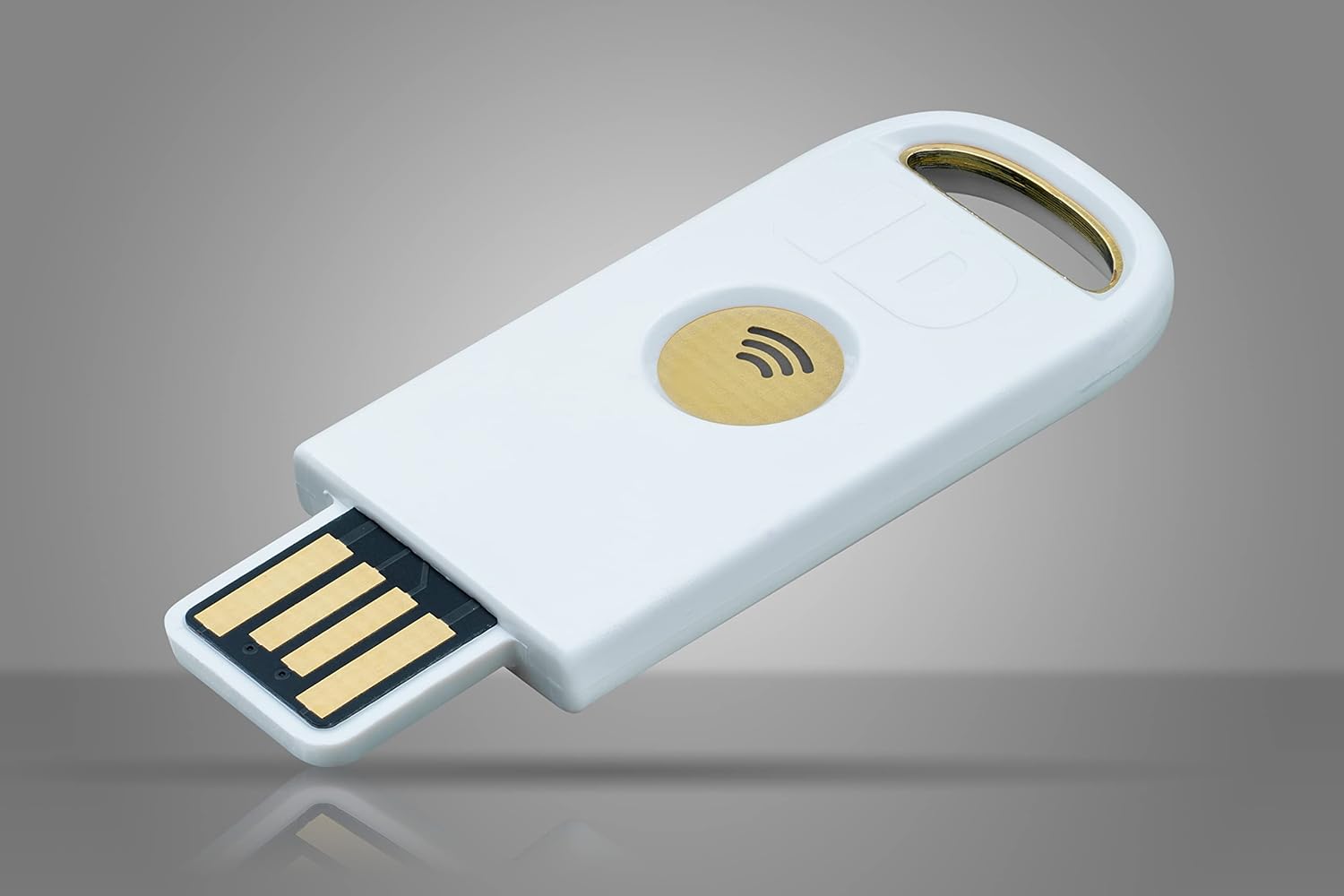
- FIDO2 binds authentication to the real domain and The physical security key
- Session cookies cannot be replayed and AiTM proxies (Evilginx, Modlishka) fail completely